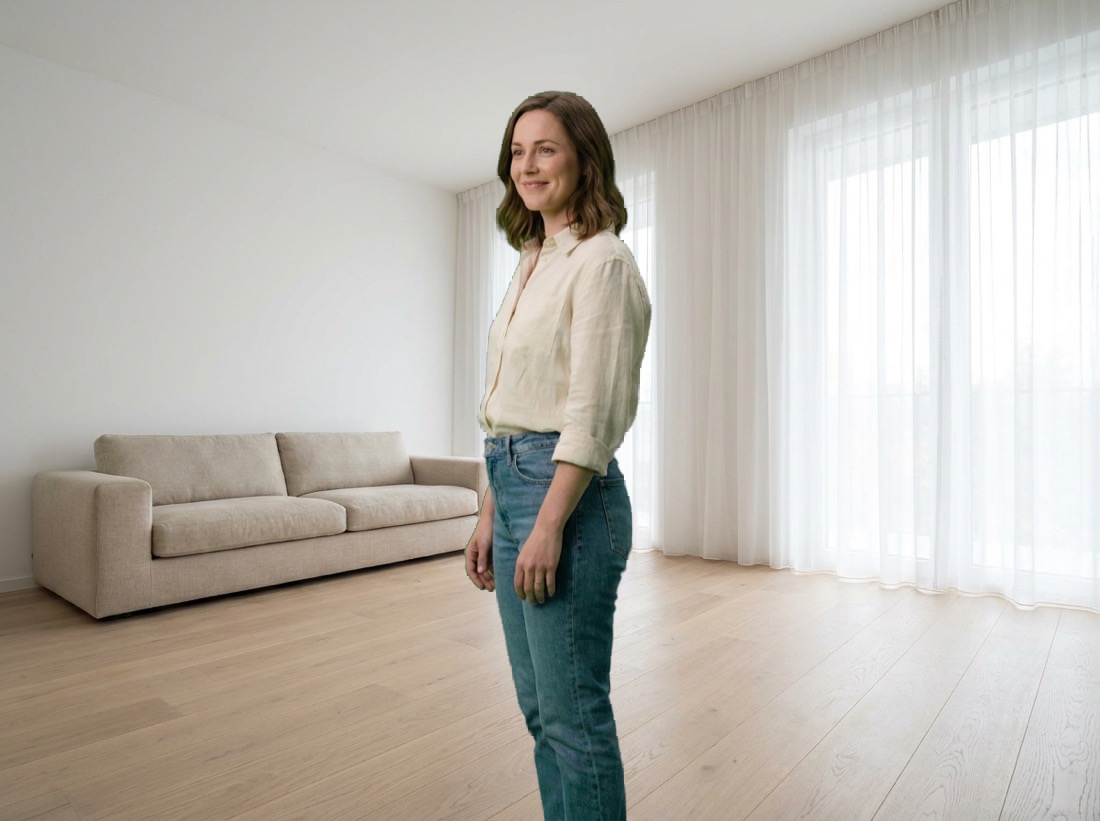
Point it at a file. VR Video Player samples the actual frames and configures itself — no format quizzes.
Side-by-side and over-under layouts are auto-detected from the frames and routed to each eye for real depth on a 180° dome, full 360° sphere, or a flat screen.
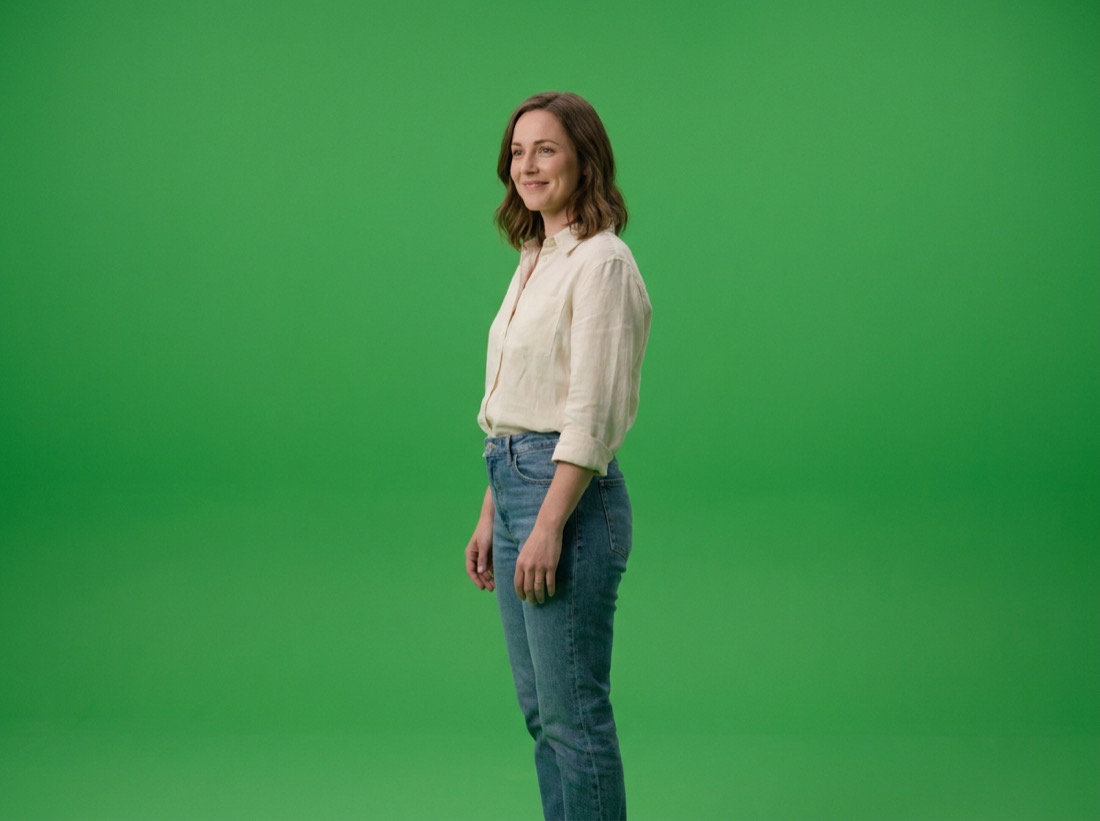
Greenscreen clips are detected automatically. A Metal compute pass keys the backdrop per pixel, with despill, so the subject composites into your passthrough room. Thresholds tune live.
Per-eye aspect ratio classifies 180°, 360° or flat and builds matching geometry. A one-tap override switches projection live if a file lies about itself.
Frames stay in the decoder's native YUV all the way to the GPU — color conversion, keying and gamma happen in one compute pass. 8K plays at full rate.
Photos album, an on-device folder visible in the Files app, any folder you pick, or a DLNA media server on your network — with sidecar files read alongside each video.
Scrubber with live position, play and pause, 15-second skips, projection, hands and chroma controls — in a compact panel that follows the player.
The same green-screen video, played three different ways — no re-encoding, no editing app, just two controls in the player. Panels 2 and 3 below were produced by running the app's own chroma-key math over panel 1, so this is the real output, not an illustration of it.
Stereo layout and projection are read from the frames themselves, then matched with real geometry.
Square per eye, for example 7680×3840. The sweet spot for immersive, people-first footage.
2:1 per eye. Full sphere, mono or stereo, on a matching sphere mesh.
Regular video, including flat stereo, on a virtual screen you can move and resize in your space.